.png)
Captain's Circle

Who This Is For:
Loyalty members new to cruise line online check-in and digital boarding passes.
Why It Matters:
Online check-in saves time at the terminal and helps you secure the best boarding time.
Step-by-Step Guide:
- Visit your cruise line’s website or app
- Log in with your booking number and personal info
- Complete required forms: health, emergency contacts, payment method
- Choose your arrival time (earlier slots go fast!)
- Upload a passport photo if required
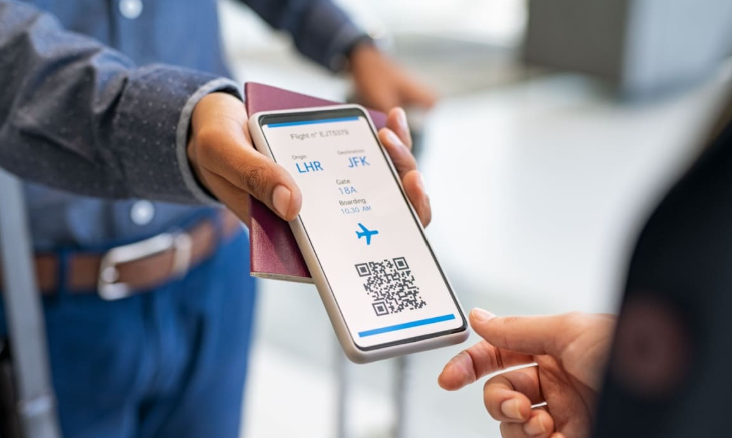
- Print/download your boarding pass and luggage tags
Pro Tips:
- Double-check all info for typos (especially names and passport numbers)
- Save digital copies on your phone and email
- Print extra luggage tags for each bag
Local Insider Tip:
If you run into issues, most cruise lines have a 24/7 help chat or phone line—don’t hesitate to reach out.
Access our “Online Check-In Walkthrough” video in your member portal!
